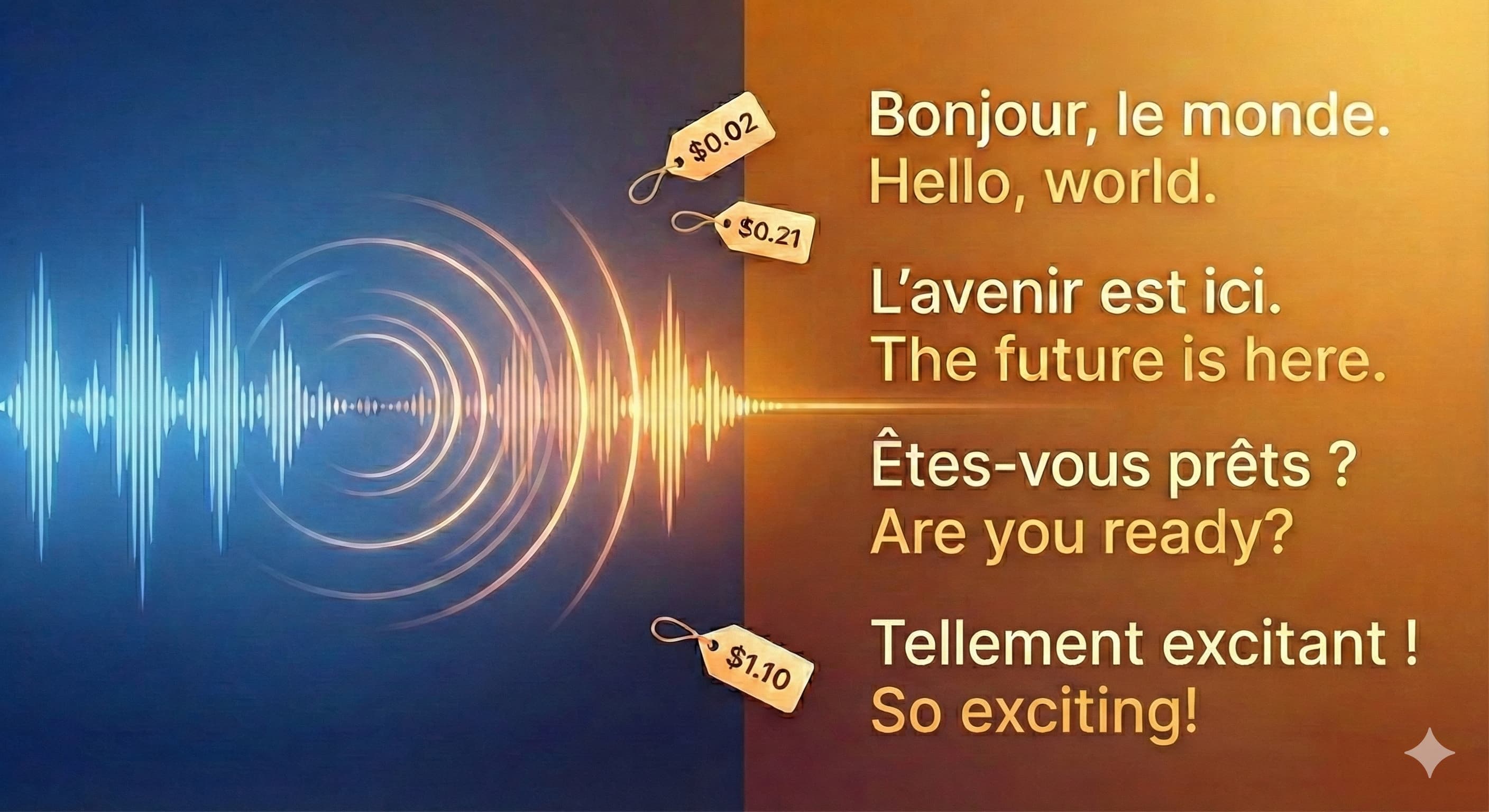
Can AI Solve Listening Comprehension?
How AI is boosting my foreign language listening skills.

Le début
Ever since I started learning a new language, I’ve learned how much I take listening comprehension for granted. In my primary language, words float into my ears, and mere moments later, meaning has been conjured in my brain. And it’s almost always subconscious. Rather remarkable, isn’t it? Transferring that skill to a new language is, shall I say, quite a challenge. My listening experience often goes something like this:
I hear a sentence, now I’m trying to make sense of it. This word means that, that word means this, so the sentence probably means… oh crap, the next sentence is already tumbling out of Speaker’s mouth! Speaker is still saying more, I’m understanding even less, I’m increasingly uncomfortable, my face is twitching weirdly, dear Speaker slow down pleeeaseeee… reality sets in: I don’t understand the language, sigh. [Me]: “In English please?”
After facing this scenario a few times, I thought it may be helpful for me to start listening to audio where each sentence is followed by a translation and an explanation of what was said. Gives my brain enough time to process what was said, provides info that supports my learning, and hopefully improves my ability to comprehend at the speed of speech.
The more I thought about it, the more it sounded like an interesting project to build for myself. Well, I did decide to build it, and will now bring you up to speed on how that went. On y va !
What to build exactly?
I wanted a pipeline that would accept an audio file containing French speech, and transform that into another audio file featuring English explanations of that French speech. This pipeline needed 4 steps:
Transcribe the French audio input into text
Translate the French text into English
Generate the script of a dialogue that weaves the translation into an explanation
Generate audio output narrating the dialogue script
For the purpose of this writeup, I’ve implemented those steps in a simple typescript project that can be executed from the command line. The code lives in this repo, and I will reference some of the files and code snippets from there.
Transcribe audio input into text
This was the easiest part of this project. Deepgram provides a high-quality Speech-to-Text service that supports my desired language, French. They have a very generous $200 starter credit, so frankly I didn’t even bother to look elsewhere. After installing the JS SDK, I could easily transcribe the audio file using a single invocation of the transcribeFile method. After looking at the response schema of the underlying endpoint, I decided that I’d likely need the list of sentences and the list of words. The code that saves that data can be found in my transcribe function. To give you a sense of the output of this step, I used an audio clip that spans the first 37 seconds of a particular YouTube video… turn the volume down a bit if you want to watch it. Here you go 🙂. The output of transcribe for that audio clip looks like this:
An auspicious start! The words array is pretty long so it’s not shown fully in that snippet. If you’re craving some JSON to brighten up your day, view the full thing here.
On that note, Step 1 is done! ✅
Translate French text into English
The most obvious candidate for this step is a dedicated service like Google Translate or DeepL. However, I chose to use an LLM because modern LLMs use structured outputs to enable an almost unbounded range of output schemas. For this project, I wanted the following extras on top of the raw translation:
a list of the verbs used in the sentence, with their conjugated and infinitive forms
a list of other words like nouns, adverbs, and adjectives, each with its meaning
a list of idiomatic expressions present in the sentence, each with its literal and contextual meaning
LLMs can provide all of these in one query response, and these days they are pretty great at raw translation too. Below is the Zod schema I used to capture my desired outputs:
Equipped with this schema, I tasked OpenAI’s GPT 5 Mini with handling the translations, using a system prompt that of course reflects the data in TranslationSchema. My translate function feeds the sentence to the LLM and gets the explained translation in return. Using the first sentence in the output from transcribe, I’m happy to report that the output of translate was as expected 🙂:
That’s just one sentence though. To process all the sentences, a simple loop will suffice… buttt as you may know, LLMs generally respond on a time scale of seconds. Stacking tens or maybe hundreds of sentences for sequential translation is not very efficient. Ideally this step should only last as long as the longest individual translation. In other words, the name of the game here is, say it with me, concurrency! My translateSentences function handles that using Promise.all. If you’re really keen to improve your French vocabulary 📚, go here to see the full set of translations for all 4 sentences.
And with that, let’s move on to Step 3. 🏃🏾♂️
Generate dialogue script featuring translation and explanation
Look, the path to completing this step proved to be muuch less straightforward than I imagined, my oh my. Essentially, the content of the script is directly influenced by the features of the text-to-speech (TTS) service used to narrate the script. These features vary by service provider, so I had to explore various paths and possibilities in search of satisfactory output. I’ll briefly try to give you a sense of what I mean.
Emotional expressiveness emerged as an important concern because I didn’t want to get bored out of my mind while listening to the explanations. There’s a cohort of TTS services that generate a level of monotone that Lex Fridman would be proud of. Thankfully, on the other end of the spectrum, some services provide knobs to make the speech sound less robotic, but even among these services, the knobs come in different shapes and sizes! 😩
There’s also the small matter of choosing the voices of the speakers. Each voice has its own profile of expressiveness, speed of speech, and appropriate use-cases. Even when using the same voice, maintaining prosody (fancy word for rhythm and intonation) across multiple turns can be challenging, or worse, impossible.
Additionally, my specific project needed to generate both French and English snippets close together, often within the same sentence. These snippets needed to be in the same voice, with appropriate pronunciation for each language, much like you’d expect when listening to a bilingual speaker.
And last but not least, the old truism applies here too: it’s all about the dollar bills yo! 💸 The models that performed best for my needs were proprietary and not cheap 😮💨. Even though some of the open-source models showed promise, hosting and serving them was not as straightforward as making API calls. The cost of serving and in some cases deploying the best of the open-source models was not low enough to justify using them over the proprietary models.
At this point, esteemed reader, you’re well within your rights to wonder what service I finally settled upon. Without further ado, the illustrious award of 🏅Featured in Uche’s Obscure Project🏅 goes to none… other… than… 🥁🥁🥁
🏆🎊 Gemini 2.5 Flash TTS! 🎊🏆
It supports dialogue such that you can build NotebookLM-style conversations if you really put your mind to it. That means, among other things, it’s pretty good at emotional expressiveness. In fact, of all the options I tested, it was the best at capturing emotional cues sprinkled throughout the script. It is very multilingual and has a nice range of voices, each of which is available in all the supported languages. It is therefore well-suited to mix French and English in the same voice, with appropriate accents and pronunciations… at least most of the time 🙈. Given that it’s an LLM, it enabled me to prompt my way to (sometimes partial) success with customized instructions. In terms of cost, this model was in the middle of the pack of the options I looked at, though it still isn’t cheap 😭. I could at least console myself knowing that it gave me the best results of all the options I considered.
Alrighty, we’ve gone a little while without seeing any code. I feel like a fish flapping around in open air 🎣. Time to dive back in! 👨🏾💻
I suspect that you may find the details of this part of the project a bit more interesting, so I’ll walk through my approach in more depth. generateExplanationScript is the function that will generate the script:
A few things are worthy of mention. First, the function returns an array of strings, rather than a single string. That structure made it easier to generate the audio in sensible chunks, in case a sentence’s full explanation runs longer than the character limits of the Gemini TTS API. If you’ve ever had to chunk large strings for any kind of processing, you’ve probably had to decide how best to truncate the string while maintaining coherence within the chunks. This was my way of preempting that decision.
Secondly, remember earlier when I spoke about knobs for tuning emotional expressiveness? The text in square brackets are examples of that. Gemini’s TTS is capable of picking up cues embedded in the script when the cues are presented as markup tags. And, for good measure, I’ll eventually explain exactly what those tags mean in the prompt I give to the LLM. For now, just note that the [English explanation] tag is more of an instruction to the LLM, telling it to read the subsequent text in English rather than French.
Following from that, the next notable thing is my heavy usage of French linking text coupled with the need to specify that some text should be read in English. The AI-generated speech needed to sound bilingual, but I noticed a quirk in all the TTS models I tried: the longer the text goes on in the same language, the stronger the speaker’s accent becomes in that language, and consequently, the worse it pronounces words in any other language. As a result, I often generated speech that featured very badly pronounced French words, because the speaker had progressively transitioned to a strong English accent by the time the French word came around. And no, explicitly specifying the language of the speaker via API options didn’t help much. To illustrate this phenomenon, the following script starts with 4 French words, goes on for much longer in English, then inserts 4 more French words close to the end:
Cette phrase veut dire: "This sentence is a demonstration of accent drift, which can happen with text-to-speech models. When a sentence starts in French, transitions to English, and spends much more time in English than in French, the speaker's accent starts to sound almost completely English. It's quite a strange and fascinating phenomenon. I think it's because of the way LLMs work. They are essentially prediction machines that try to guess the most likely next word for a given piece of text. So, for something which is generating audio, the more English it sees close to the point at which it needs to generate the next sound, the more it predicts that the sound should be read with an English accent. After all, an English speaker speaking English should sound English, no? Conversely, when the French text is closeby, it still predicts that the English should be pronounced with a French accent. But when the French is far behind a lot of English text, then you hear something like 'donnez-moi le livre', which doesn't sound as French as it should sound."
And here’s the generated audio. Listen carefully for how “donnez-moi le livre” is pronounced towards the end:
I know, esteemed reader, that you may not know a single word of French, let alone how French words should be pronounced. That’s totally fine! 😄 Take my word for it when I say that the speaker says “donnez-moi le livre” in a rather English-y way. That is exactly what I needed to prevent. My solution was to use French for all the linking text, to embed as much French as possible in-between the English translations. Very nice for me because it ended up providing even more French practice than I had planned 😏. Here’s what this strategy looked like for the verbs:
Once again, you don’t need to understand the French 🙂. You only need to understand that the words and meanings are interpolated using the general structure “{French words} mean {English meaning}”. And importantly, the text of each section is stitched together into one string before adding that final string to the explanationParts array, in line with the coherent chunking strategy mentioned earlier. The full definition of generateExplanationScript is available here, along with the definitions of replaceSlash and formatList.
To wrap up this step, here’s the output of generateExplanationScript for the first sentence in the transcription:
Great!
Combining those strings to form a coherent script is the domain of Step 4, so let’s head there tout de suite ! 🏃🏾♂️
Generate audio output narrating the dialogue script
Simply put, the goal here is to generate an audio file in which the speakers narrate the script from Step 3. This process needs to happen in 2 sub-steps:
Send the API request that will generate the audio content
Convert the API response into the desired audio format
Send audio generation API request
Given that we’re dealing with an LLM, I’ll start with the system prompt. As mentioned earlier, my TTS system prompt describes the meaning of the markup tags I use, and explains how they should be applied to the generated speech. If you read through the full prompt, you may have noticed something curious: it repeatedly emphasizes generating audio rather than text. Why do that if it’s for a TTS model?
Well, this is one of the pleasures of dealing with the guardrails Google has placed on some of their models. Long story short, the Gemini API server has an internal check that assesses the prompt to determine if it’s trying to trick the model to generate something other than audio. If that check concludes that your prompt is attempting such trickery, your request gets blocked ⛔. That’s reasonable in principle, but in reality the check is a bit too enthusiastic. The only way my prompt could consistently pass was to distribute repeated affirmations of the output type throughout the prompt. Of course this behavior is not documented anywhere, so the way I discovered it was by innocently sending my API requests, hitting unpredictable and confusing errors that messed up my results, banging my head against the wall for hours, scouring through GitHub issues for answers, finally discovering the behavior for myself with trial and error, then receiving confirmation of my discovery a few days late. Fun stuff.
Now we can switch focus to the API options used for the request. My intermediary of choice, LangChain’s google-webauth package, exposes two important API options:
responseModalitiesmaps toModality, and is used to specify that the response should be audio (yet again, right?)speechConfigmaps toMultiSpeakerVoiceConfig, and is used to define the names of the speakers and map them to specific voices.
The full code of my generateDialogue function lives here, and if you go through it you’ll notice another curiosity:
In other words, the system prompt is being injected into the HumanMessage instead of sending it as a standalone SystemMessage. Yep, that’s the result of yet another undocumented quirk of the Gemini TTS API. Like the earlier one, I discovered this one the hard way too. Moreover, you can see that humanMessageContent contains one more affirmation that the output type should be audio not text. At this point, if you’ve gotten the impression that making this part work reliably was a lot less intuitive and a lot more time-consuming than an API call should be, you’re not far off the mark! I’m not salty though, not at all… 😒
Convert API response to audio
What actually is the response from the API endpoint? The “Technical specifications” section of this page shows “Raw 16-bit PCM audio at 24kHz, little-endian” as the output format. The better way to be sure is actually to read the values specified in the mimeType property of the response, because docs pages can of course get outdated. Nevertheless, I can confirm that both are in sync at the time of writing 😀. If you’re wondering, PCM is the raw digital representation of the audio, so it’s not immediately usable by media players. A conversion step to a well-supported audio format is necessary, and for this project I picked the MP3 format.
The steps required here are to get a buffer representing the audio bytes, confirm the PCM format details from the MIME type, then generate the MP3 file from the PCM data. In Code This Means:
Note that the defaults for sample rate and bit depth come from the output format specified by the docs. convertAudioContentToMp3 accepts options for working directory and file base name, to allow customizing the output file’s location and name. The actual conversion will be performed by pcmBufferToMp3. It’s a function that writes the PCM data to a file, then uses FFmpeg to convert that PCM file into a separate MP3 file. If you’re interested, you can see the logic of the function here.
Chunking it all together
To finally generate the audio, the script chunks needed to be combined in a way that respected the character limit of 8000 bytes.
The first question was how many characters can fit into 8000 bytes? Simply put, it depends on the character encoding used to read those bytes. For this project, I assumed that the Gemini server supports and uses UTF-8 because that’s the standard used across the web. UTF-8 uses between 1-4 bytes per character, which makes the limit potentially as high as 8000 characters or as low as 2000 characters. Accented Latin characters like those found in French (é, ç, î, etc) use 2 or more bytes, so I was pretty certain that the practical limit would be between 4000 and 8000 characters. In reality, there’s a rather low probability of encountering a French sentence where accented characters are even up to half of the letters in the sentence, so I felt confident that I’d be fine anywhere below 6000 characters.
Armed with this info, the next question became: how much of that limit was already used up by the full prompt, excluding the script text? 2352 characters, to be exact. Therefore, the prompt was less than halfway there, which was great news. However, it still wasn’t fully clear how much dialogue could fit within the remaining space. So I asked myself a different question: how long can I listen to French speech before I can no longer follow what’s being said? In other words, going back to the description in the intro, what’s the point at which my face starts twitching weirdly? 😁 After some trial and error, I found a sweet spot at 200 characters of transcribed French text. As it turns out, the generated script featuring all the explanations uses between 1500-2500 characters when starting from around 200 characters. I rounded that up to 3000 characters to cover unexpectedly long explanations. That would mean the total input text could contain as many as ~5300 characters, which was still well within my projected safe limit of 6000 characters. Excellent!
With that established, I added some code to:
take the script chunks from
generateExplanationScriptcreate new combined chunks that each do not exceed 3000 characters, and
transform those combined chunks into MP3 files using
generateDialoguefollowed byconvertAudioContentToMp3
You can find that logic here, and enjoy the final mp3 files for each of the 4 sentences here. Want a preview already? The mp3 of the third sentence sounds like this:
That’s definitely a success in my book! 🙌🏾
The Real Thing
So, everything I’ve described so far has been to explain and showcase the principle of what I wanted. How about what I actually built and use daily? Well I’m glad you asked 😀 I present to you… Listen Better! Creative name, right?
At its core, Listen Better is a podcast-style audio feed featuring translations and explanations of different pieces of French audio. I source the input audio files from various corners of the interwebs. Each “episode” features 2 bilingual AI-generated hosts who dissect each sentence in the original audio, just as described in this writeup. The feed contains the full dialogue script for each episode so I can see and read what was discussed. I also created a dedicated RSS feed so I can listen in my podcast app. Additionally, I added a Telegram integration to send myself the full translated vocabulary of each sentence in the original audio file, as generated by Step 2. If any of this sounds interesting to you, the web app is literally at your fingertips 😀. If you’d like to do a few things differently, such as provide your own French audio, customize the output, or change the languages, feel free to reach out to me so we can talk about it.
If you listen to any of the episodes, you’ll notice a few extras not captured in this writeup:
Each piece of generated audio is stitched together sequentially to form a continuous audio file that constitutes the episode.
Each episode contains an intro and an outro, because I came to appreciate the value of at least half-decent transitions when listening to something informative.
The original audio clips of the translated sentences are played before and after the explanations, to allow me hear the audio at regular speed and associate that with the explanation.
These extras are handled by some additional FFmpeg manipulation and a few extra API calls, but nothing fundamentally different from what I described above.
La Fin
So, coming back to the title of this post, can AI “solve” listening comprehension? I’m sure you already know the answer 😄 it certainly can’t right now! Who knows what the future holds though… but in the meantime, Listen Better demonstrates what’s possible today, which is not bad at all, if I do say so myself.
Is That All?
For how I built the project, yes. For all my thoughts on the project, no 😀. This writeup is only the first member of a 2-part series focused on this project. Would you like to know the cost of an episode, or how well this whole pipeline performs, or whether vibe coding can build you an equivalent in next to no time? I’ll share my thoughts on those topics and more when I publish Part 2 of this series. Watch this space! 👀
Until then, thank you for taking time out of your day to read this 😊. À la prochaine !
Questions? Feedback? Nice words, or mean ones? Feel free to reach out to @CodeWithOz on all the socials, or on LinkedIn.